Albums
See the Event through everyone who was there.
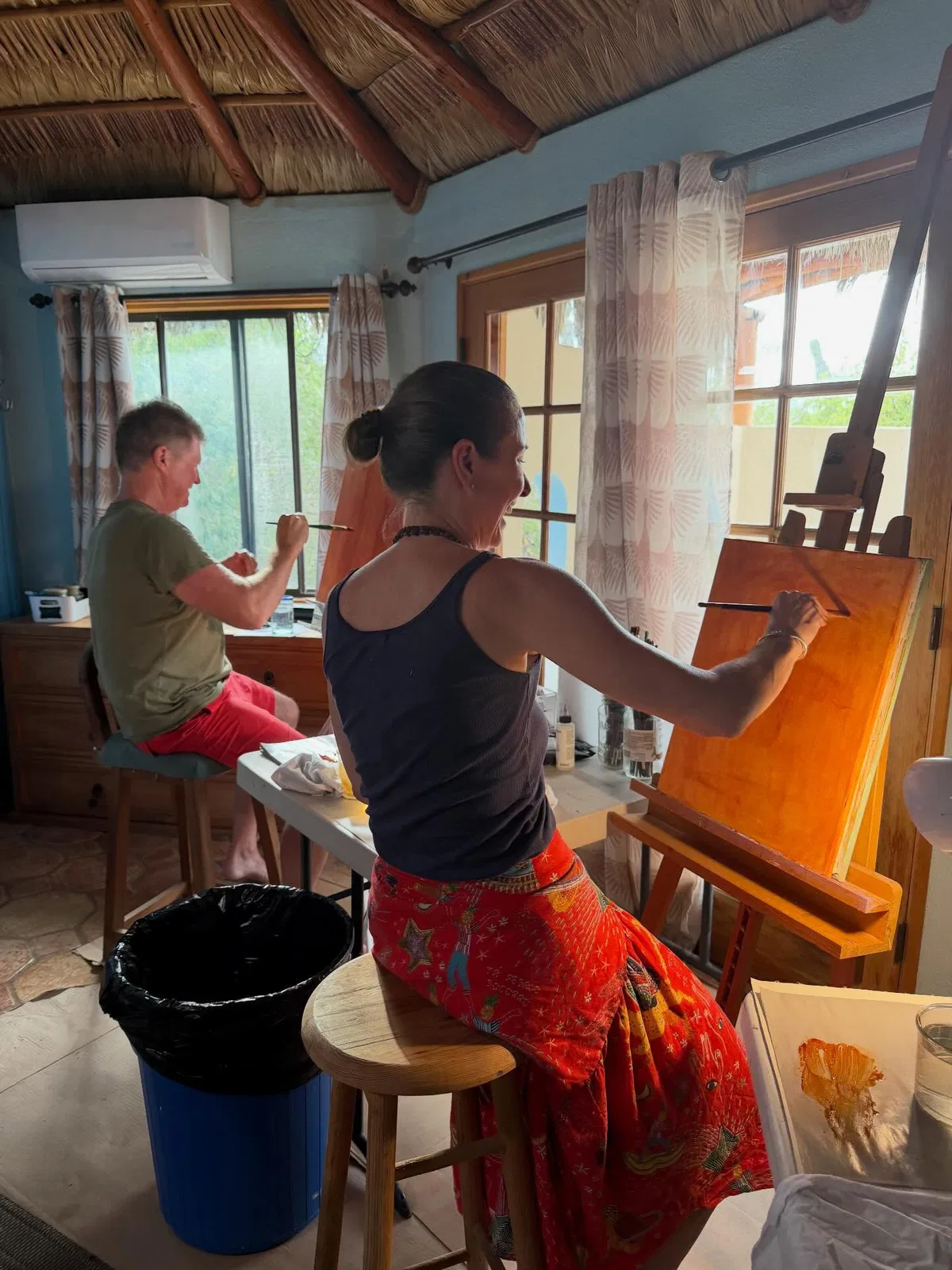
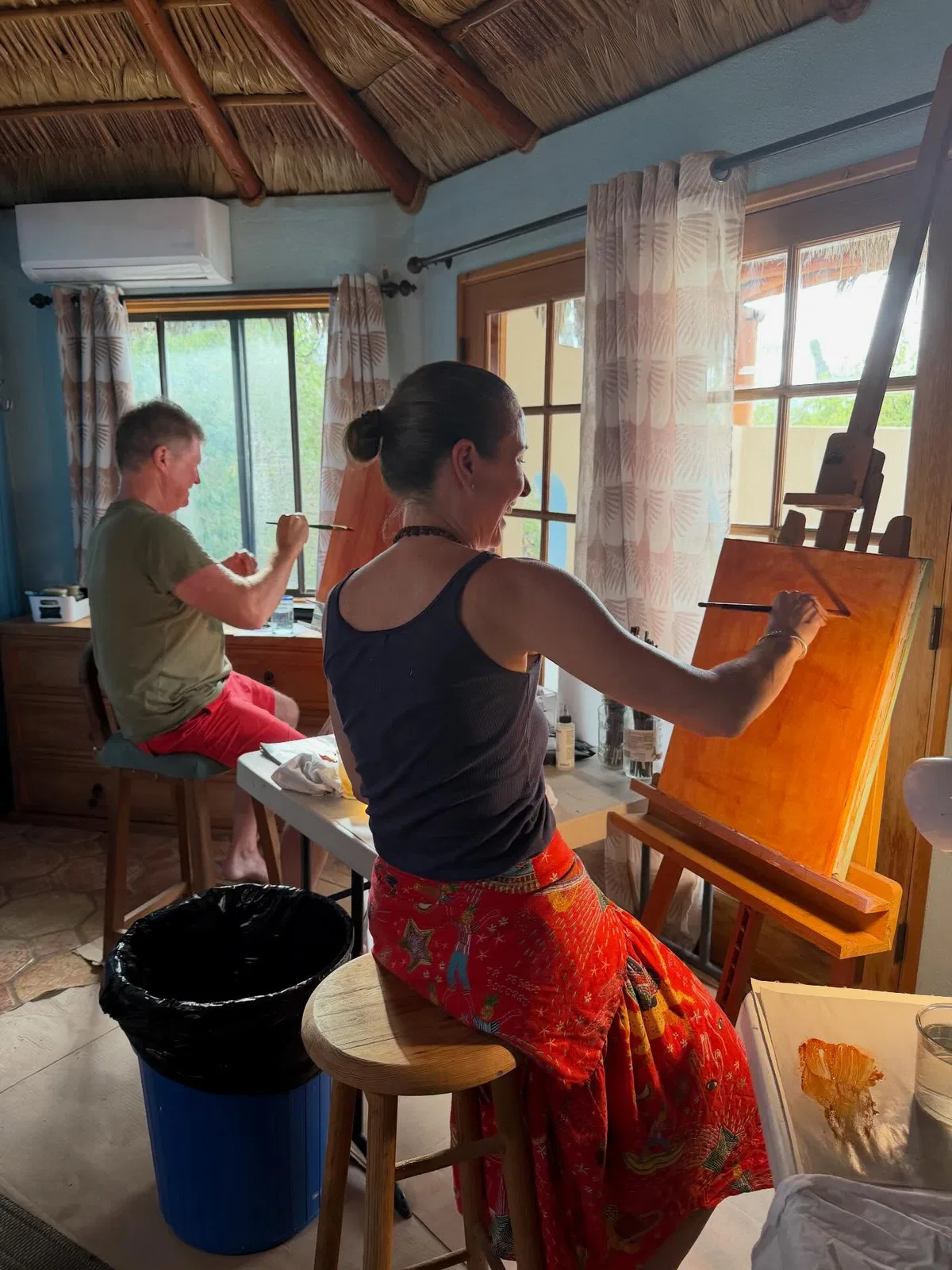
The best photo of the night is on someone else’s phone. Share one link or QR code, and everyone who was there adds what they took.
ExampleAlbums · Event album QR code
Night-in launch

Scan to join the album and add your photos from tonight.
Everyone adds what they saw.
No one stands in every part of the room. Each guest adds the photos only they took, straight from their phone.
The guests
Add the moment only you caught.
Choose photos or take one with the camera. Albums prepares each photo on your phone without its location details, and the original never leaves it.

ExampleAlbums · Add photos
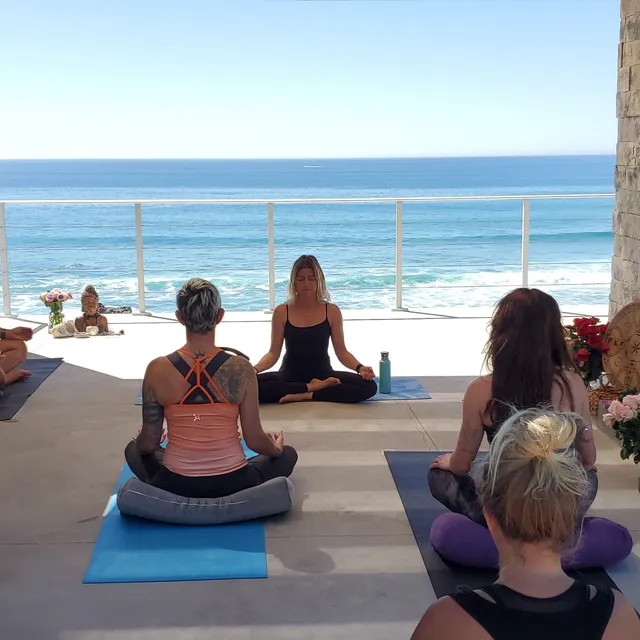
Your photos · Wellness retreat
 Uploaded
 Uploaded
 Uploaded
 Uploaded
For the organizer
Host the night, and still keep the gallery in hand.
Members can report a photo, which hides it until you review it. You can remove photos, remove someone’s access, or stop contributions early.

ExampleAlbums · Reported photos
Reported photosNo photos await review.
One gallery, every perspective.
Photos from across the Event arrive in one gallery. See them all, or follow the night through one member’s photos, each marked with who took it.
ExampleAlbums · Gallery











Kept among the people who were there.
The gallery belongs to the night, not to search results, and it closes once the Event is behind you.
Privacy
Only the people who were there see it.
The gallery isn’t public or placed in search. Members can download or share photos while it’s open, and when it closes, its photos are erased.

ExampleAlbums · Gallery

What’s in Albums today
Event albums
A title, dates, venue, description, and a cover.
Link and QR code
One link opens the album for everyone.
Choose or take photos
From the phone’s library or its camera.
Prepared on the device
Photos arrive without location details; originals stay put.
Photos by
Follow the gallery through one member’s photos.
Report and remove
Members report a photo; the organizer decides.
Download and share
Download individual photos on every plan. Albums created on Paid or trial also include bulk ZIP downloads.
Up to 50 contributors
And up to 1,000 photos in each album.
Questions
Who can see an Album?
Only the Album’s members. The gallery isn’t a public page or placed in search. Participants can remove their own photographs, and the organizer can remove photographs and remove someone’s access.
What does Albums cost?
Start with a Free Album: photo contributions, protected viewing, and individual downloads are included, with a seven-day gallery window after the Event. Albums created on Paid or during the trial have a sixty-day gallery window and bulk ZIP downloads. Paid is one Musefunnel Suite subscription at US$10 per month.
See pricingWhat can people add?
Still photos in JPEG, PNG, WebP, HEIC, or HEIF. Albums prepares each one on the person’s device. Video, audio, and Live Photo motion aren’t supported.
Is Albums for delivering client photographs?
No. Albums is for the people at an Event to share what they saw with each other. It isn’t a proofing or client-delivery tool.
Do guests need an account?
Yes. Anyone with the Event link or QR code can ask to join, and they sign in with a Musefunnel Account before they add or see photos.
Three places, for three parts of a launch.
Circle to find the people. Albums for the night itself. Studio, soon, for what you post afterwards.
Circle
Find the brands you should be growing with, and the people you’ll hire together.
Explore CircleAlbums
Bring everyone’s photographs from an Event into one private gallery.
Explore Albums
StudioUpcoming
Plan, schedule, and publish posts with the people you make them with.
Discover Studio